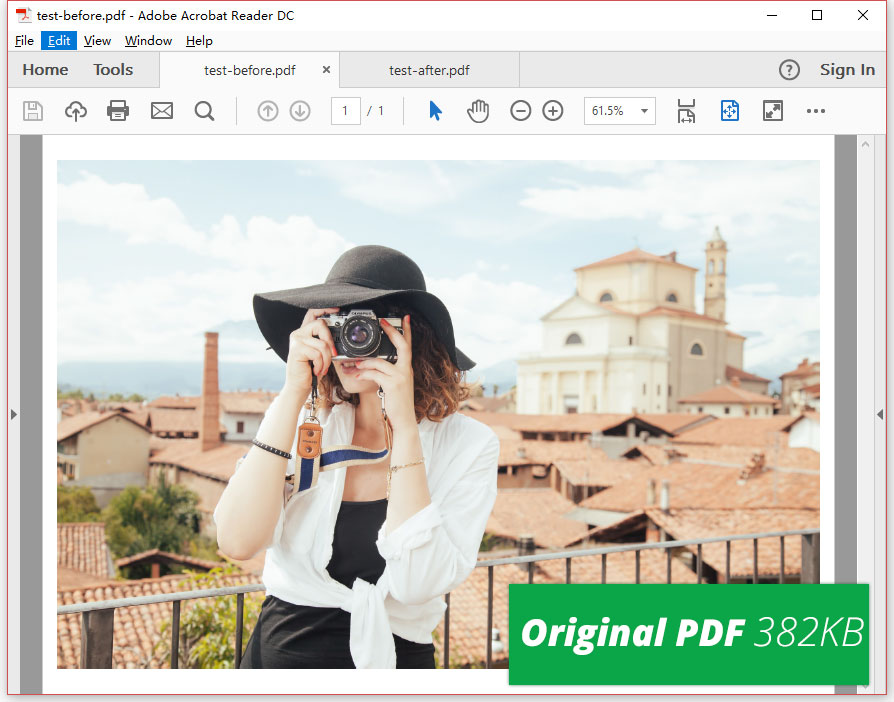
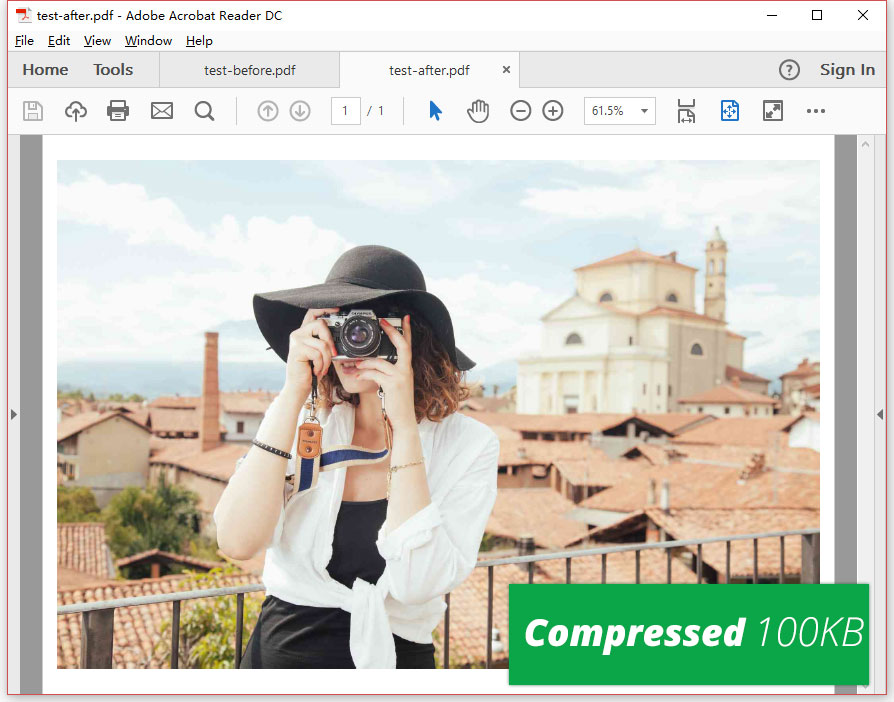
Shrink and reduce the size of PDFs while keeping best image quality.
With our smartest compression engine, PDF Compressor V3 supports adjusting the resolution of images included in PDFs. We can compress images using “CompressImages” method to decrease image size while keep the quality as high as possible.
Furthermore, we offers seamless PDF compression technology to decrease the PDF file size by eliminating useless and unnecessary elements. The PDFs will shrink further if you have tweak the option to remove annotations, attachments, bookmarks as well as unused objects, unused streams and unembed fonts.

Convert PDFs from RGB to Grayscale
If it happened that you are required to convert a PDF from RGB to Grayscale for printing faster. Congratulations, PDF Compressor V3 will be your first choice. This PDF compression program enables you to remove all color from images embedded in PDFs. Only a few steps are need to convert color images to black and white.
- Import your PDF files into the smart compressor.
- Select “Settings” to open a new dialog and then choose “Grayscale” tab.
- Check the “Convert PDFs from RGB to Grayscale” box and apply this option by clicking “OK”.
- Start compression progress and the resized PDF files will be exported to the destination folder.


